Smart Equipment Management
Track, maintain, and manage all your equipment with Smart Tags
Try free for 1 month
No credit card required
See it in action — no signup needed
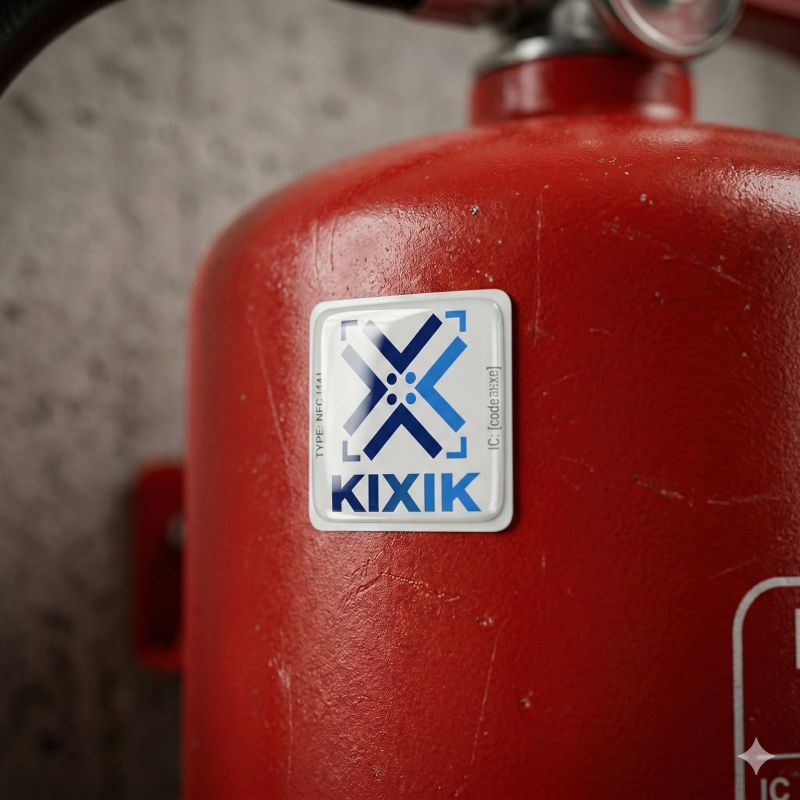
Track, maintain, and manage all your equipment with Smart Tags
See it in action — no signup needed
KIXIK is a cloud platform for equipment tracking and service request management using NFC tags and QR codes. It connects physical assets, clients, engineers, and administrators in a single digital ecosystem — no mobile app installation required.
Users or clients scan the tag on the equipment with their phone, and a request with the exact asset, description, and photo instantly reaches the responsible specialists.
Field technicians and engineers record completed tasks, fill out checklists, log time spent or meter readings, and generate signed PDF acts right on site.
Equipment passports, regulations, maintenance schedules, and the full repair history are stored in a single secure digital archive, available in real time.
Attach a Smart Tag to any piece of equipment. One scan — and the specialist sees the full profile: name, location, serial number, assigned checklist, and complete service history.
Every maintenance, repair, or inspection is recorded with date, type of work, description, photos, and who performed it. Full audit trail — no more arguments about what was done and when.
Create standardized maintenance checklists and assign them to equipment. Specialists go step-by-step — nothing gets missed. Managers see which items were completed.
Photograph the equipment's nameplate or datasheet — AI reads the specs and fills in all fields automatically. Add new equipment in seconds, not minutes.
Never miss a maintenance deadline. KIXIK automatically tracks next service dates and highlights overdue equipment on the dashboard. Managers see at a glance what needs attention — no spreadsheets, no calendar reminders, no guesswork.
Anyone can scan the tag and report an issue without logging in. Photos are attached automatically, and managers get notified instantly — by email and push notification.
Assign requests to the right specialist with priority levels (High / Medium / Low), track status from New to Done, and get notifications at every step. A full lightweight ticket system built into your equipment management.
Full interface in English, Estonian, and Russian. Each team member works in their preferred language — zero friction for international teams.
Export your entire equipment database to Excel in one click. Convenient for reporting, audits, or sharing data with teams that don't use the system.
Nothing to install — just open a browser and start working. KIXIK runs on any device: phone, tablet, or desktop.
Designed for managers and field specialists


Equipment dashboard with overdue maintenance alerts


Create and assign maintenance checklists to any equipment


Anyone can report an issue — no login required


Scan a Smart Tag — instantly see equipment profile and service options
From tag to full history in 5 simple steps
Manager adds equipment (or scans the nameplate — AI fills in the fields), assigns tag and checklist. Also creates specialist accounts.
Stick the tag on the equipment. Each tag has a unique code linked to the digital profile.
Anyone with a phone scans the tag — KIXIK opens instantly. No app download needed.
Logs in, completes the checklist, records work with photos.
Reports an issue without login — photos and location attached automatically.
Scan to browse full service history — no login or company name required.
All work logs and service requests appear in the dashboard. Overdue? New request? Everything visible at a glance.
KIXIK adapts to your industry with specialized equipment profiles
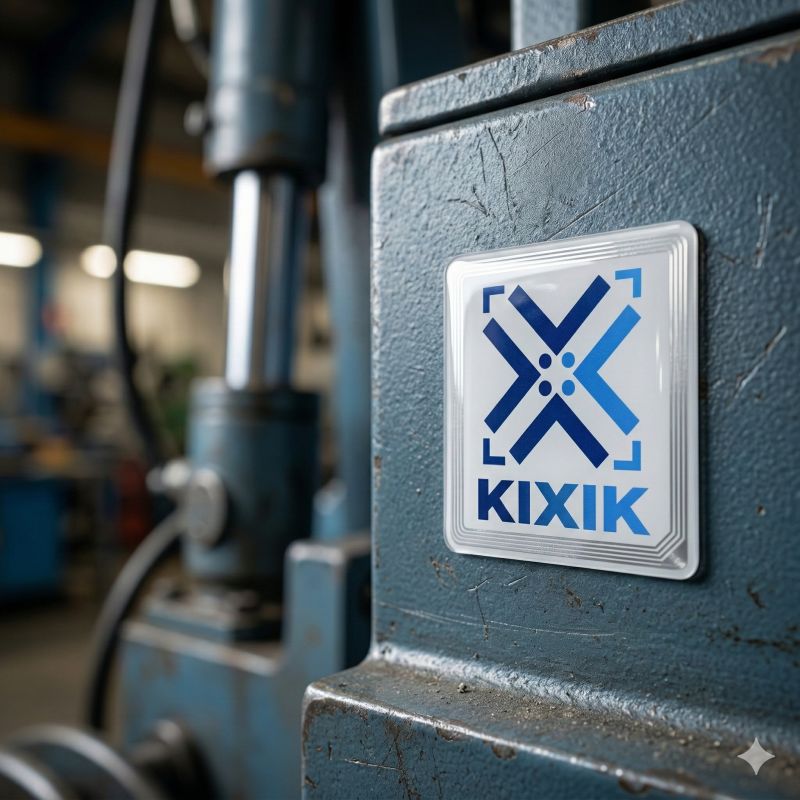
CNC machines, lathes, mills, presses. Schedule maintenance, track engine hours, breakdowns, and replacement parts. Minimize downtime.
Buildings, heat nodes, gates, pumps, and ventilation. EVS 807 compatible maintenance schedules, digital service acts, tenant requests via NFC/QR, and clean equipment history for facility managers.
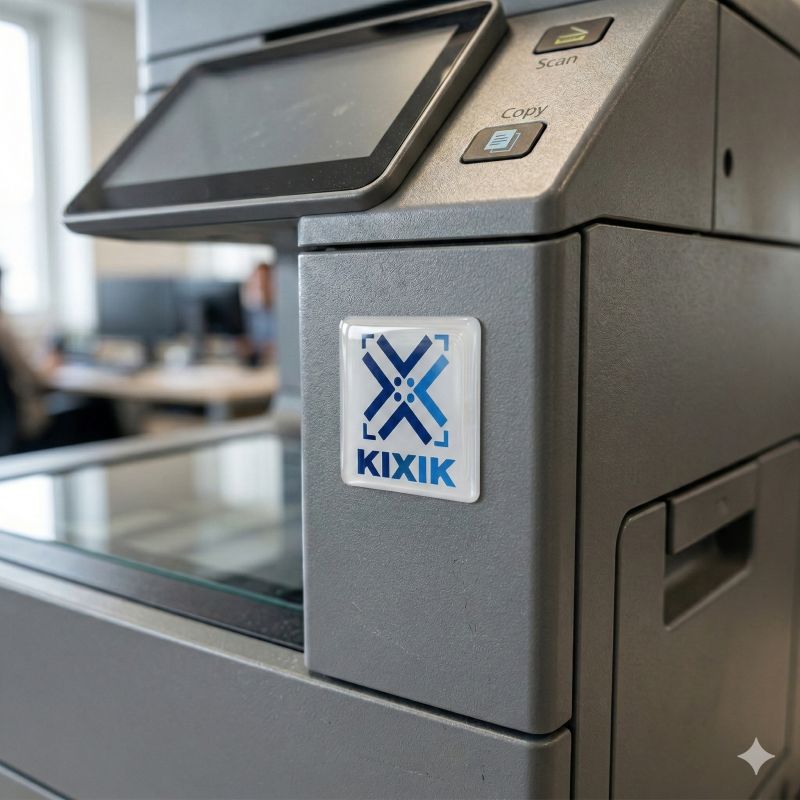
Laptops, servers, printers, network gear. Track configurations, OS versions, licenses, warranty dates.
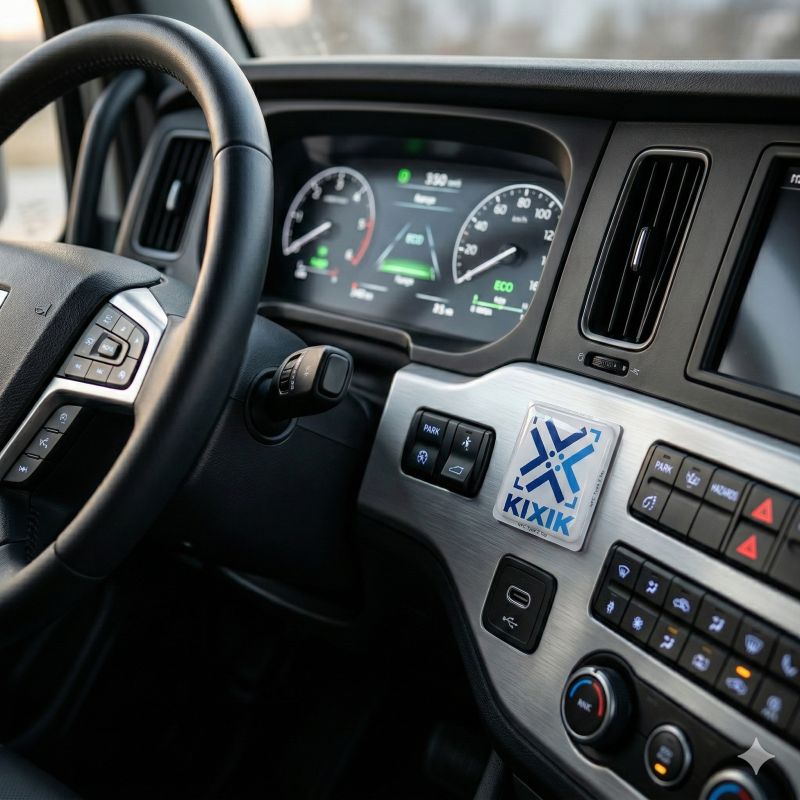
Trucks, vans, forklifts. Track mileage, engine hours, driver assignments, MOT dates, and scheduled servicing. Everything about every vehicle in one place.
Power tools, measuring instruments, safety equipment. Track calibration dates, responsible persons, and inspection history.
Each user sees only what they need — nothing more, nothing less
Enterprise-grade infrastructure you can trust
Managers, specialists, and admins each see only what they need. No accidental changes, no unauthorized access.
Powered by Supabase with PostgreSQL. Your data is stored securely with automated backups and 99.9% uptime.
Every action is logged with timestamps and user info. Full transparency — you always know who did what and when.
New users must change their temporary password on first login. No shared credentials, no security shortcuts.
One plan, everything included. No hidden fees.
Try free for 1 month — just reach out
Contact us for exact quoteEverything you need to know about KIXIK
Looking for step-by-step guides? Visit our Help Center →
Tell us about your equipment and we'll get back to you within 24 hours